Property Mapping Tools: Free and Low-Cost Options for Private Landowners
Discover the best free and low-cost property mapping tools for private landowners. Compare Google My Maps, CalTopo, QGIS, and more — no GIS degree required.
Property Mapping Tools: Free and Low-Cost Options for Private Landowners
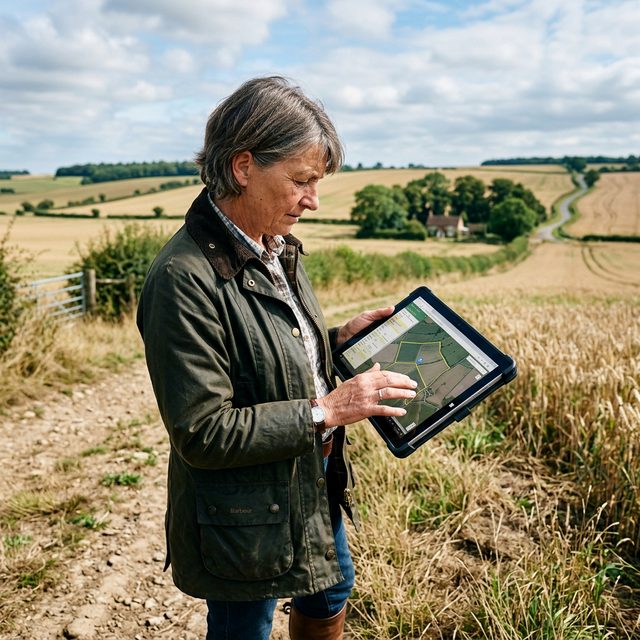
Knowing exactly what's on your land — where the wetlands are, which areas flood, where the timber is maturing — is the foundation of sound land management. Fifteen years ago, getting a detailed property map meant hiring a surveyor or GIS consultant for thousands of dollars. Today, you can create a professional-quality map in an afternoon using free tools on your phone or laptop.
This guide reviews the best free and low-cost property mapping tools for private landowners, with honest assessments of what each one does well and where it falls short.
Why Map Your Property?
Before diving into tools, here's why mapping pays off:
- Planning improvements: See your land as a whole system before you move dirt or plant trees.
- Documenting resources: Inventory timber stands, wetlands, soil types, and water features.
- USDA program applications: NRCS conservation plans and EQIP applications require basic maps.
- Boundary disputes: A clear map with GPS-verified boundaries prevents neighbor conflicts.
- Estate and succession planning: Makes transferring the property far easier for heirs.
The Best Free Mapping Tools for Landowners
1. Google My Maps — Best for Beginners
Cost: Free
Platform: Web browser, mobile app
Best for: Simple zone mapping, sharing with family members or contractors
Google My Maps lets you draw property boundaries, add markers, create zones (timber, pasture, wetland), and share your map via a link. It's the easiest tool to learn — if you can use Google Maps, you can use Google My Maps.
Strengths:
- Zero learning curve
- Excellent satellite imagery
- Easy sharing and collaboration
- Works great on mobile in the field
Limitations:
- No topographic (elevation) data
- No soil data integration
- Limited measurement precision
- No offline mode
How to start: Go to mymaps.google.com, click "Create a New Map," and start drawing your boundaries using the polygon tool.
2. CalTopo — Best for Topography and Terrain Analysis
Cost: Free (basic) / $20–$50/year (premium)
Platform: Web browser, mobile app
Best for: Hilly or mountainous properties, wildfire planning, hunting access routes
CalTopo is the go-to tool for landowners who need to understand elevation, slope, and terrain. It overlays topographic maps, satellite imagery, aerial photos, and even slope angle maps. For wildfire defensible space planning or understanding drainage patterns, it's invaluable.
Strengths:
- Excellent topo maps and slope analysis
- Offline maps for field use (premium)
- Tracks GPS routes and records measurements
- Integrates with USFS and BLM land boundaries
Limitations:
- Steeper learning curve than Google My Maps
- No built-in soil survey integration
- Premium features require subscription
3. USDA Web Soil Survey — Best for Soil Data
Cost: Free
Platform: Web browser
Best for: Understanding soil types, drainage classes, productivity ratings
The USDA's Web Soil Survey is the most comprehensive free soil mapping tool available. It covers virtually every acre of private land in the United States with detailed soil data including:
- Soil classification and texture
- Drainage class (how well water moves through)
- Agricultural productivity ratings
- Septic suitability
- Limitations for construction
How to use it:
- Go to websoilsurvey.usda.gov
- Navigate to your property on the map
- Use the "Area of Interest" tool to define your land
- Click "View Soil Data" for a detailed report
Strengths:
- Unmatched soil data depth
- Free PDF soil reports
- Useful for NRCS conservation plan applications
Limitations:
- Clunky interface (but worth learning)
- No mobile version
- Best used alongside another platform
4. QGIS — Best Free GIS for Advanced Users
Cost: Free (open source)
Platform: Windows, Mac, Linux (desktop application)
Best for: Landowners who want professional GIS capability without a subscription
QGIS is a full-featured Geographic Information System — the open-source equivalent of ArcGIS, which costs hundreds of dollars per year. You can import USDA soil data, USGS topo layers, county parcel data, and your own GPS tracks, then combine them into a comprehensive property map.
Strengths:
- Professional-grade analysis and mapping
- Completely free
- Supports virtually all data formats
- Large online community for help
Limitations:
- Significant learning curve (plan on 10–20 hours to get productive)
- Not ideal for quick field use
- Requires a computer (no mobile version)
Getting started: The QGIS project offers free training materials at qgis.org/en/site/forusers/trainingmaterial/.
5. OnX Hunt / OnX Land — Best Mobile App for Landowners
Cost: $30–$100/year
Platform: iOS and Android
Best for: Landowners who want a mobile-first solution with parcel data and boundary overlays
OnX was originally built for hunters (OnX Hunt) but has expanded into OnX Land, specifically designed for landowners. It shows property boundaries, parcel ownership, county roads, and public land borders — all on your phone, with offline capability.
Strengths:
- Property boundary overlays from county parcel data
- GPS tracking and waypoint marking
- Offline maps for areas without cell service
- Integrates aerial, satellite, and topo views
Limitations:
- Annual subscription required
- Parcel data accuracy varies by county
- No soil or conservation data
6. USFS MapViewer (Imagery and Aerial Photos)
Cost: Free
Platform: Web browser
Best for: Accessing historical aerial photos to see how your land has changed over time
The USDA Forest Service's National Agriculture Imagery Program (NAIP) provides free high-resolution aerial photos updated approximately every 3 years. Comparing images from 2010 and 2025 lets you track forest growth, erosion, pond conditions, and vegetation changes.
Comparison Table
| Tool | Cost | Soil Data | Topo Data | Mobile | Ease of Use |
|---|---|---|---|---|---|
| Google My Maps | Free | ❌ | ❌ | ✅ | ⭐⭐⭐⭐⭐ |
| CalTopo | Free/Paid | ❌ | ✅ | ✅ | ⭐⭐⭐⭐ |
| Web Soil Survey | Free | ✅ | ❌ | ❌ | ⭐⭐⭐ |
| QGIS | Free | ✅ (import) | ✅ (import) | ❌ | ⭐⭐ |
| OnX Land | $30–100/yr | ❌ | ✅ | ✅ | ⭐⭐⭐⭐ |
Step-by-Step: Create Your First Property Map in 30 Minutes
Here's the fastest path to a useful property map:
- Open Google My Maps at mymaps.google.com
- Switch to satellite view — zoom to your property
- Draw your boundary using the polygon tool (click along property lines, double-click to close)
- Add zones: Create layers for forest, pasture, wetland, buildings
- Add waypoints: Mark erosion areas, invasive species hotspots, water features
- Export or share: Download as KML/KMZ or share via link
Once you have this base map, you can import it into QGIS or upload it to your NRCS conservation planner for program applications.
Pro Tips from Experienced Landowners
- GPS your fence lines before any property transaction — even small discrepancies can cost thousands in legal fees.
- Photograph your waypoints — geo-tagged photos tied to map points create a visual record for insurance and estate purposes.
- Update your map annually — note changes after storms, floods, new plantings, or timber cuts.
- Check county GIS portals — many counties offer free parcel mapping tools with legal descriptions. Search "[your county name] GIS parcel viewer."
Summary
You don't need expensive software or a GIS degree to map your property effectively. Start with Google My Maps for simplicity, add Web Soil Survey for soil data, and consider CalTopo or OnX Land if you need terrain analysis or mobile capability. For the most detailed professional maps, QGIS offers everything a consultant would use — for free.
Explore more: Browse our Planning & Land Management resources or learn how to put your map to work with a 5-Year Land Management Plan.
Sources & Further Reading
- USDA Web Soil Survey: websoilsurvey.usda.gov
- QGIS Project — Free GIS Software: qgis.org
- CalTopo — Outdoor Mapping: caltopo.com
- USDA NRCS Conservation Planning Tools: nrcs.usda.gov/conservation-basics/conservation-planning
- National Agriculture Imagery Program (NAIP): naip-usdaonline.hub.arcgis.com
- Iowa State Extension — GIS for Farm Planning: extension.iastate.edu
- OnX Land App: onxmaps.com/land
Written by Dr. Sarah Mitchell, Senior Editor & Land Management Specialist at LandHelp.info. Dr. Mitchell holds a Ph.D. in Natural Resource Management from Colorado State University and has over 20 years of experience working with private landowners and USDA programs.
Tags:
Dr. Sarah Mitchell
Senior Editor & Land Management Specialist
Dr. Mitchell has over 20 years of experience in natural resource management, with expertise in sustainable agriculture and forest stewardship. She holds a Ph.D. in Natural Resource Management from Colorado State University and has worked with the USDA NRCS for 15 years.
You Might Also Like
Related Resources
External tools, guides, and references related to this topic
Holistic Management: A New Framework for Decision Making
Allan Savory's seminal book on holistic management - the framework that helps land managers make decisions that are economically, environmentally, and socially sound. Essential reading for anyone managing grazing lands.
NRCS Conservation Planning
The USDA Natural Resources Conservation Service provides comprehensive guidelines for developing conservation plans. Includes worksheets, templates, and step-by-step planning processes.
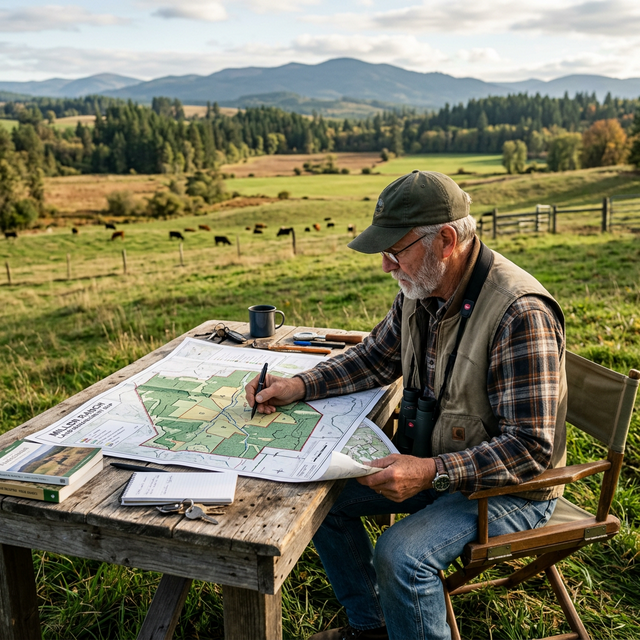
Property Mapping with GIS
Learn how to create detailed property maps using free GIS tools like QGIS. Covers boundary mapping, resource inventory mapping, and creating management zones.
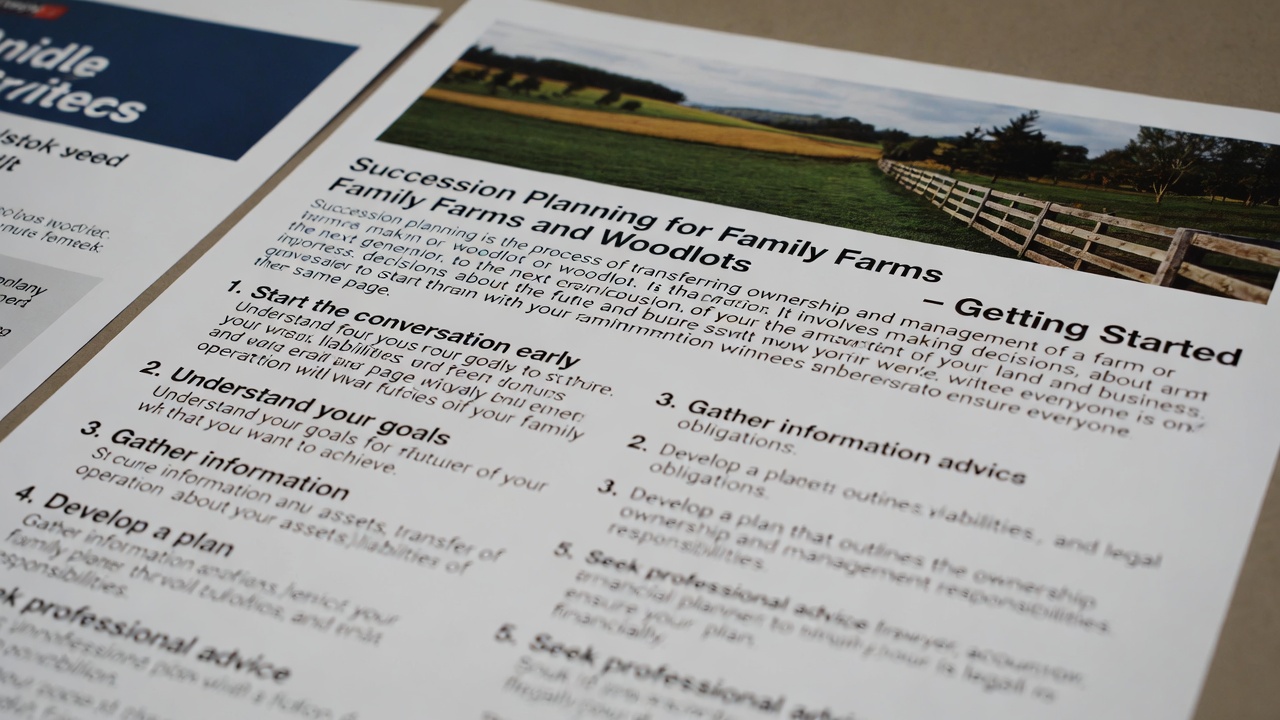
Land Succession Planning Guide
A practical guide for farm and ranch families on succession planning. Covers estate planning, transferring management to the next generation, and maintaining land in the family.